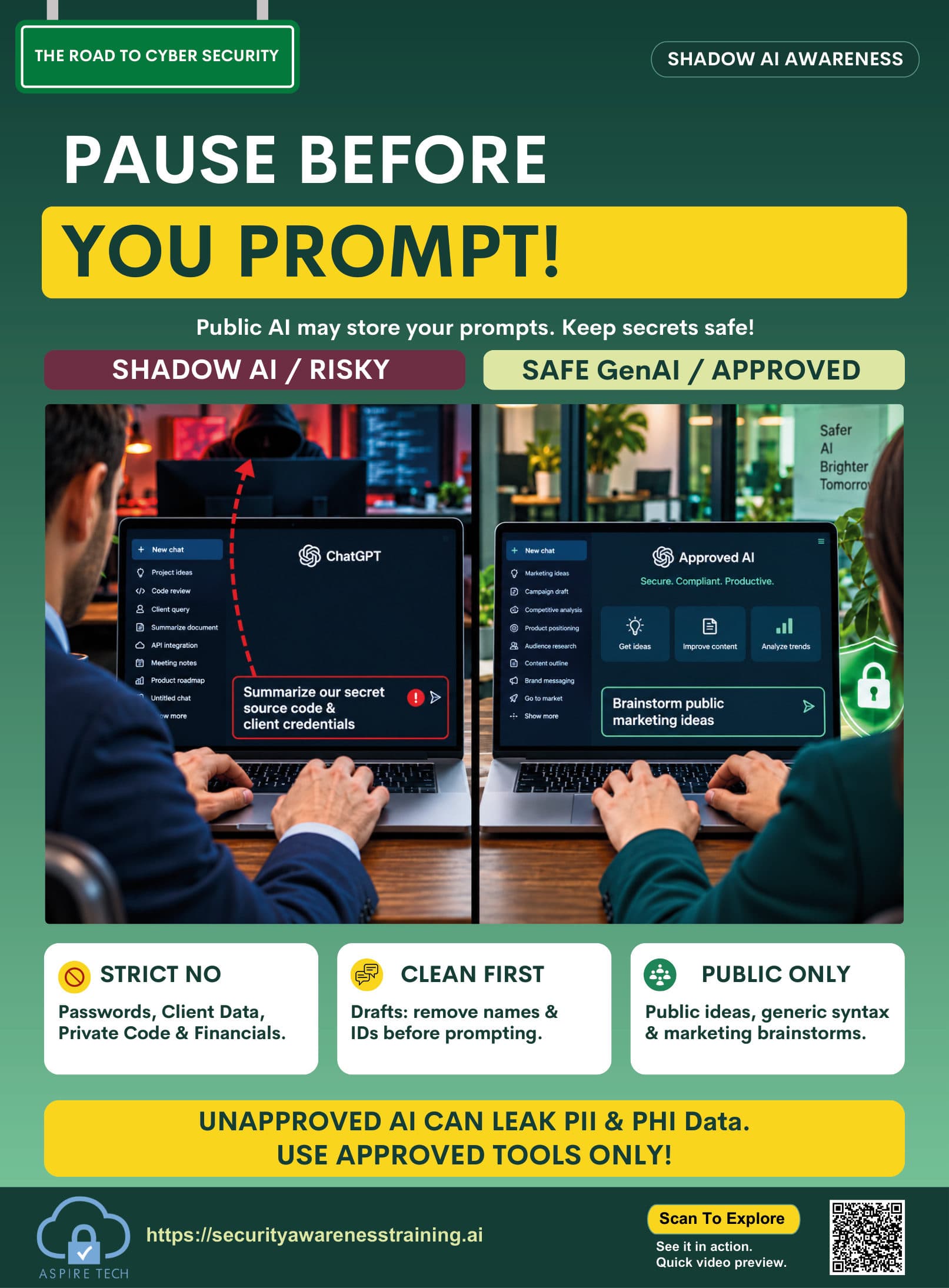
Shadow AI
Awareness Poster
Help your team recognize the risks of unsanctioned AI tools, prompt injection, data leakage and privacy issues. A clear, practical guide to keep work, data and ideas safe.
Resource details
- Resource type
- Poster
- Theme
- Protect data and processes
- Format
- Visual reminder
- Best for
- Team discussions / awareness boards
- Audience
- All employees
- File format
- High-resolution PDF, 14 × 19 in
- Language
- English (additional languages available in toolkit)
How to use
- 1Display in your workplace
Share on noticeboards, in meeting rooms or digital channels.
- 2Discuss with your team
Use it as a starting point for a short team discussion about Shadow AI risks.
- 3Reinforce regularly
Include in ongoing awareness campaigns and training sessions.
Watch a short video explaining the risks of Shadow AI, prompt injection and how to protect your data.
Preview coming soon.
AI Security Prompt Injection & Data Privacy
Learn how shadow AI creates new security risks, how prompt injection can be used to manipulate AI tools, and simple steps to protect sensitive data at work.
- Real examples and common attack techniques
- How to protect your data and identify risky AI use
- Practical tips for safe and responsible AI use at work
Key learning points
Remember these key actions to protect data, people and reputation from Shadow AI risks.
Use approved AI tools only
Only use company-approved AI tools for work to ensure your data stays secure.
Protect confidential data
Never paste sensitive information such as customer data, internal documents or source code into AI tools.
Review AI outputs critically
Check AI responses for accuracy, bias and potential manipulation before using them in your work.
Report risky AI use
If you see unapproved AI tools or suspicious use, report it to your IT or security team immediately.
Get the complete cybersecurity toolkit
Access posters, videos, guides and training resources to build a stronger, more secure team.