
AI Deepfake
Awareness Poster
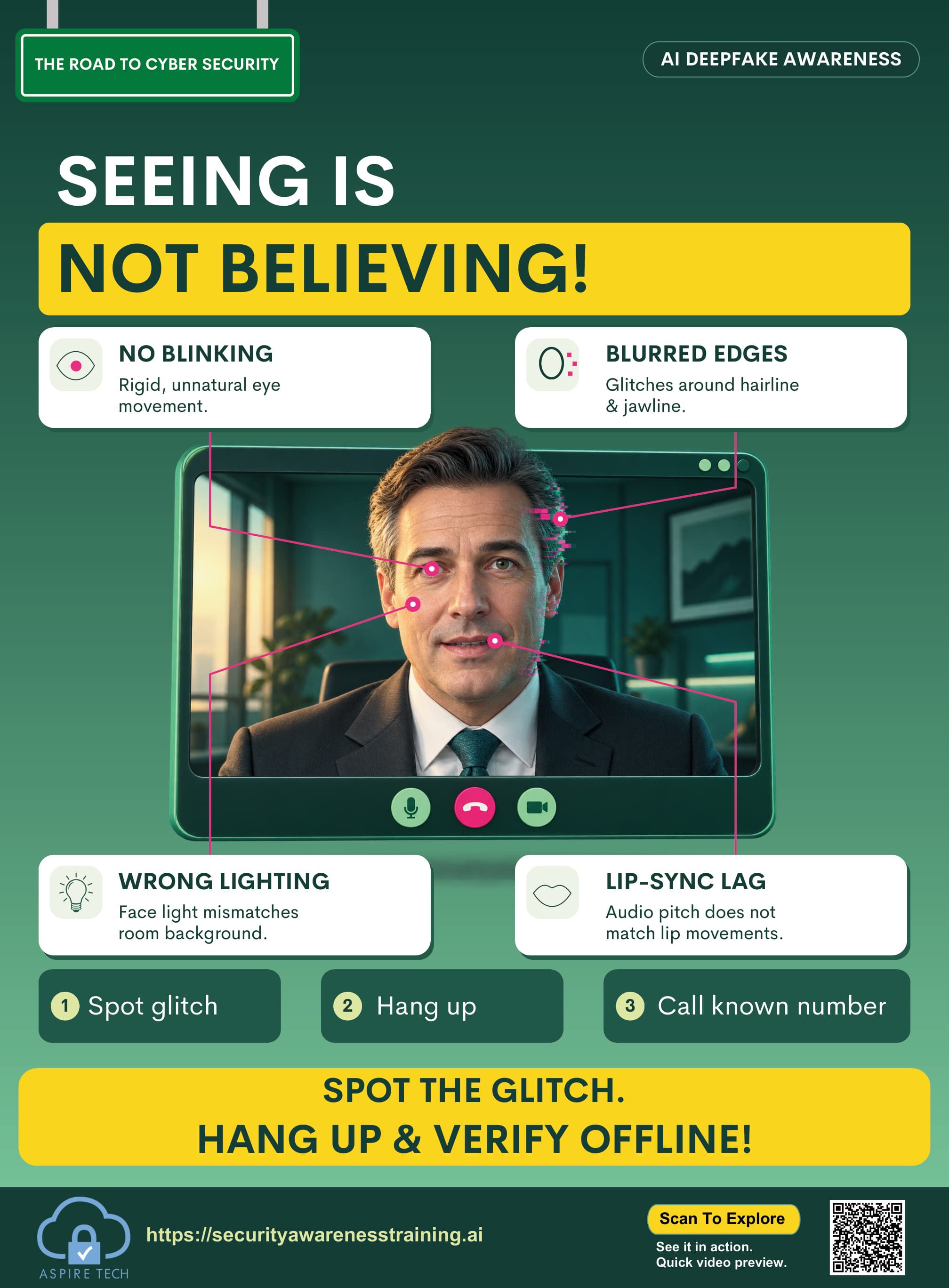
Help your team recognize manipulated video, voice, and identity-based deception. This poster provides clear, practical guidance to spot deepfake attempts before they cause harm.
Resource details
- Resource type
- Poster
- Theme
- Recognize the request
- Format
- Visual reminder
- Best for
- Team discussions / awareness boards
- Audience
- All employees
- File format
- High-resolution PDF, 14 × 19 in
- Language
- English (additional languages available in toolkit)
How to use
- 1Display in your workplace
Share on noticeboards, in meeting rooms or digital channels.
- 2Discuss with your team
Use it as a starting point for a short team discussion about deepfake risks.
- 3Reinforce regularly
Include in ongoing awareness campaigns and training sessions.
Watch a short video explaining how to recognize deepfakes and verify suspicious requests.
Deepfake verification basics
Learn how deepfakes work, the common warning signs, and simple steps to verify unexpected requests from colleagues, executives or external contacts.
- Real examples and side-by-side comparisons
- Key red flags to look for
- Practical verification tips for your team
Key learning points
Remember these key actions to protect yourself and your organisation from deepfake threats.
Verify unusual executive requests
Be extra cautious with high-value requests, especially involving money, data or urgent actions.
Check audio/video inconsistencies
Look for unnatural speech, strange eye movements, lighting issues or mismatched lip sync.
Confirm through a second channel
Always verify sensitive requests using a different communication channel, such as a phone call.
Report suspicious requests quickly
If something feels off, report it to your IT or security team immediately.
Get the complete cybersecurity toolkit
Access posters, videos, guides and training resources to build a stronger, more secure team.